
How to edit a Team / add-remove a person from a team
Step 1
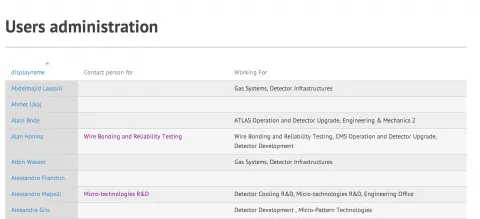
Step 2
BROKEN IMAGE NOT MOVED (drupal url : https://ep-dep-dt.web.cern.ch/how-edit-team-add-remove-person-team)
Ones on the person’s editing page scroll down to the list of checkboxes and carefully choose the ones to select or un-select.
Step 3
BROKEN IMAGE NOT MOVED (drupal url : https://ep-dep-dt.web.cern.ch/how-edit-team-add-remove-person-team)
On the next list you will be able to choose the Activities that this person in assigned as contact person for.
Step 4
Make sure to click the save button at the end of the page and the changes will be automatically updated everywhere on the site.